World Cup Demo
world-cup-demo | Something Clever
Event Setup
Configure once, then lock it down
Branding, Distinct field mapping, API values, routes, overlays, and event-wide behavior live here.
Live Operations
Use during the event
Field testing, moderation, slideshow control, library review, and participant export belong in the live operator flow.
Demo Mode
This event is safe for testing before Distinct sends live credentials. All partner values are placeholders you can paste over later.
Sample users
Location placeholders
atlanta
boston
chicago
dallas
houston
kansas-city
los-angeles
miami
new-york-new-jersey
portland
philadelphia
san-francisco
seattle
toronto
Portal test
Run a live pull against Distinct or the partner adapter before the attendee flow is wired to production traffic.
Status: not run
Test UID:
demo-dallas-001Last run:
n/a
Default asset package
These placeholders let us keep building while the final artwork is still in flux.

Spec: 1200x1200 • PNG or SVG
Square mark used in the top navigation and gallery/complete screens.
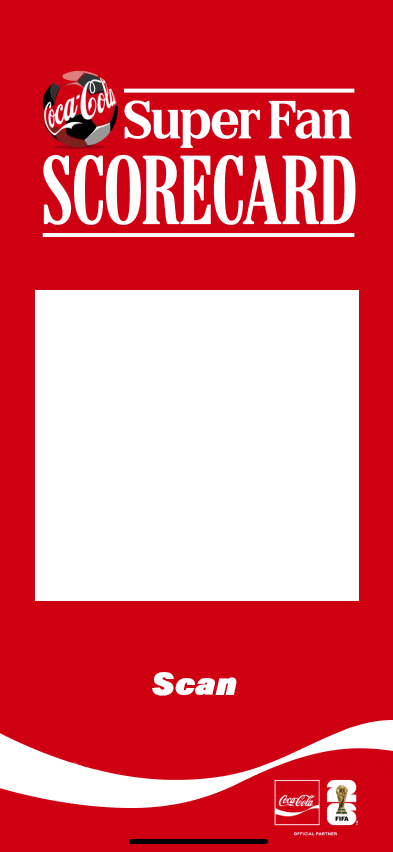
Spec: 1920x1080 • PNG or JPG
Background art for QR or confirmation screens. Keep a safe center zone for the CTA.
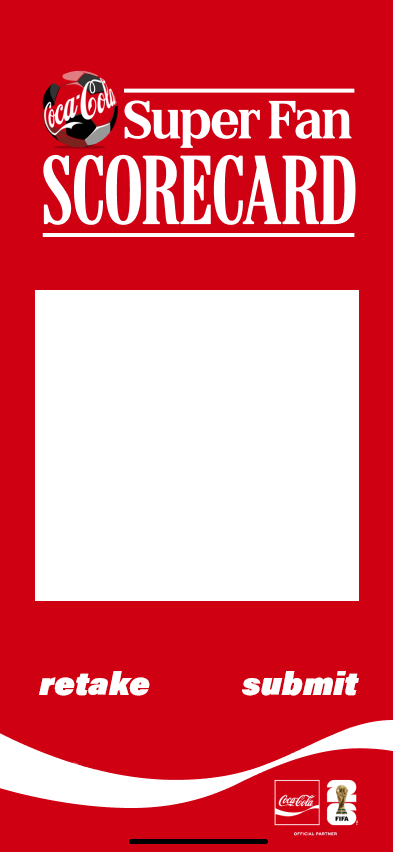
Spec: 1080x1920 • Transparent PNG
Portrait overlay that sits above the live camera and final captured image.
Spec: 1080x1920 • Transparent PNG
Portrait overlay for the second photo moment.
Spec: 1080x1920 • Transparent PNG
Portrait overlay for the third photo moment.
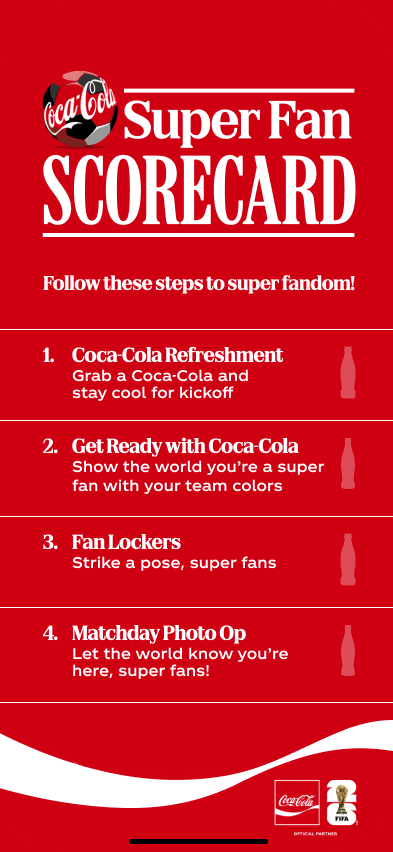
Spec: 1920x500 • PNG or JPG
Wide branding strip for the user gallery page.

Spec: 1920x700 • PNG or JPG
Celebration art used after the attendee completes all activities.